Faceless TikTok for apps: formats that need no camera
By the Fayro team · Updated
You can market an app on TikTok, Reels and Shorts without ever showing your face. These are the formats that work for apps, what each one needs, and what to watch out for.
Can you market an app without showing your face?
Yes. For many founders, being on camera is the reason they never start. The good news is that an app is a visual product. The screen can carry the video, and the viewer mostly wants to see what the app does.
“I do not want to be on camera. So the channel everyone swears by was closed to me from the start.”
What a faceless video can't skip is a strong first second and a clear structure. Without a face, the hook has to come from the words on screen, the voice, or the first frame.
Eight faceless formats
1. Screen recording with a voiceover
Record the app doing one useful thing and talk over it. It fits apps with a visible result: an edit, a plan, a chart. Keep it under 30 seconds and cut every pause. Watch out for small text; zoom in.
2. Text over app footage
No voice at all: short lines of text over screen recordings, with music. It works well for lists ("3 things I stopped doing after…") and for viewers watching muted. Keep one idea per line and leave each line up long enough to read.
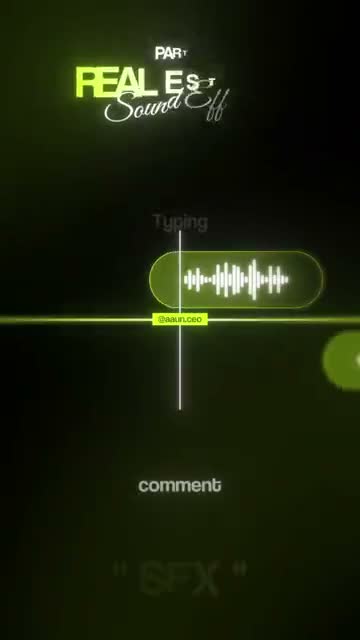
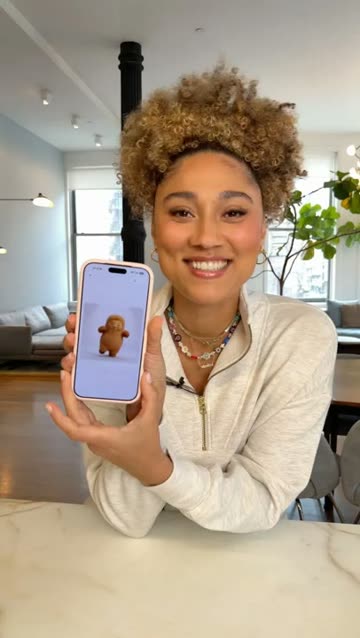
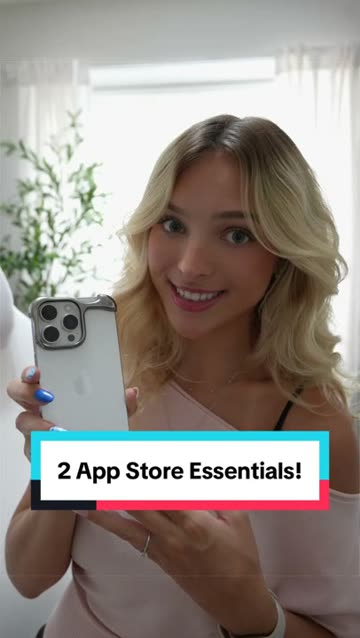
3. Hand holding the phone
Film your hand using the app on a real phone. It looks more natural in the feed than a screen recording and shows the app is real. Use daylight and a plain background.
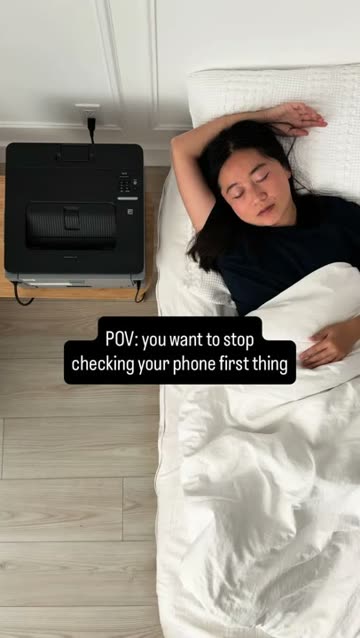
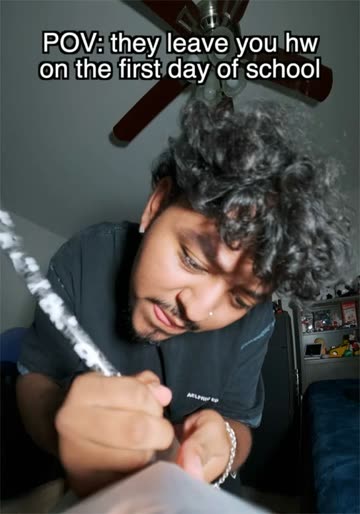
4. POV text
A line like "POV: you finally found an app that…" over a matching clip, then the app. It suits apps with a strong feeling attached, like relief, pride or calm. The line has to match a feeling viewers recognise.
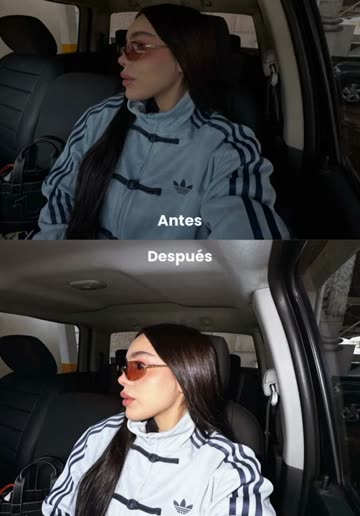
5. Before and after
Show the messy before, then the app's after. It suits productivity, finance, photo and health apps. Make the before honest; an exaggerated before reads as an ad.
6. Slideshow
A few still images with text, swiped through. TikTok and Instagram both support photo posts. It's quick to make and good for tips. Put the app on the last slide, not the first.
7. AI presenter
A generated person speaks the hook and the lines, with your screens between. It lets you reuse formats that need a talking person without filming one. Label it as AI-generated (TikTok asks for this on realistic AI content: TikTok's help page), and never present the presenter as a real customer.
8. Split screen
Your app's screen on top, a presenter or reaction below. It keeps a face on screen while the app does the work. One of Fayro's own examples is built this way: Claude on top, an AI presenter below. The same split as the original, with your own tips.
A worked example
Say you make a habit tracker and you've found a text-over-footage video in your niche that did far better than its account's usual. Its structure is a relatable line, three quick tips, and a payoff. Your version might look like this:
- Hook, on screen over a shot of a messy to-do list: "I quit every habit by day four."
- Beat 2, over your app's streak screen: "So I stopped tracking ten things and picked one."
- Beat 3, over the reminder setup: "One reminder, at the time I actually have free."
- Beat 4, over the streak counter ticking up: "Day 30. Still going."
- Close, over the app icon on a home screen: the app's name, small, with no hard sell.
Nothing in it needs a face. The structure came from a video that already worked, and every frame shows the real app.
Making screen recordings look good
- Fill the app with realistic data first. An empty app looks unfinished.
- Turn on Do Not Disturb and clean up the status bar before recording.
- Move slowly and deliberately. Fast taps look like a blur at feed size.
- Record more than you need and cut to the second where something happens.
- Crop or zoom so the part that matters fills most of the frame.
Hooks without a face
With no face to catch the eye, the first frame has to do the work. Open on the most interesting screen, not the home screen. Put a short line of text up at once, ideally a problem the viewer has. Start the voice or the beat on the first frame, with no intro.
Which faceless format should you pick?
| Format | Needs a voice | Best for | Effort |
|---|---|---|---|
| Screen recording + voiceover | Yes | Apps with a visible result | Low |
| Text over footage | No | Tips, lists, muted viewers | Low |
| Hand and phone | Optional | Showing the app is real | Low |
| POV text | No | Apps tied to a feeling | Low |
| Before and after | Optional | Productivity, finance, photo, health | Medium |
| Slideshow | No | Tips and step-by-steps | Low |
| AI presenter | Generated | Formats that need a talking person | Medium |
| Split screen | Optional | Demos with a face for attention | Medium |
The better test is what already works in your niche. Search for the problem your app solves, find videos far above their account's usual, and see which of these formats they use. Then reuse that structure with your app, as the TikTok marketing guide explains.
Voice options
- Your own voice, recorded on your phone in a quiet room. Viewers forgive a plain voice more than a stiff script.
- Text-to-speech built into TikTok and other editors. Quick, and familiar to viewers.
- A generated voice, matched to an AI presenter. Use one you have the right to use, and never clone someone's voice without their consent.
- No voice: text and music only.
Rules worth keeping
- Label realistic AI-generated people and voices the way each platform asks. On TikTok that's the AI-generated content setting when you post (TikTok's help page).
- Keep Shorts vertical or square. On YouTube that's what makes a video up to three minutes count as a Short (YouTube Help).
- Don't make up testimonials. A generated presenter can explain your app; it can't claim to be a happy user.
- Use music and clips you have the right to use.
- Show the real app. If the video shows something the app can't do, the reviews will say so.
Making faceless videos with Fayro
Fayro is built for this. It favours reels where a person and graphics carry the idea, writes your version, and your Claude makes it with one of Fayro's AI presenters (or one made from your own photo and voice, with consent) and your real app screens. See how it works, compare it with hiring UGC creators, or check the pricing: starting is free.