How Fayro works
Fayro takes you from your app's link to a posted short-form video in four steps. It finds TikToks, Reels and Shorts that already went viral and fit your product, writes your version beat by beat, your Claude makes the video with Fayro's tools, and Fayro posts it and reads how it did.
1. Find reels that already worked
Paste your app's link: an App Store or Google Play page, or your website. Fayro reads it and writes a short profile of your product: what it does, who it's for and what people see on screen when they use it.
Then it searches its catalog of about 1.3 million short-form reels from TikTok, Instagram and YouTube for ones that fit. Every reel in the catalog already broke out; the median one has about 615,000 views. Each pick comes with why it fits your app, so you can judge it in a few seconds.
You can also start from a reel you saw yourself. Paste its TikTok, Instagram or YouTube link and Fayro writes your version of that one.
On the Free plan you get 8 reels that fit your app and 2 remake plans, with no card. Plans show every reel that fits.
2. Get your version, beat by beat
Pick a reel and Fayro writes a remake plan (also called a brief). It keeps what made the reel work and fills it with your product. A plan follows one reel whole, so its structure, hook and look stay together.
What's in a remake plan
- Hook: The reel's opening, rewritten for your product at about the same length.
- Beats: Each beat filled with your lines, so the pacing that held people holds again.
- Shots and graphics: Setups, cuts, on-screen words and motion graphics, spelled out.
- Presenter: One of Fayro's presenters, or one made from your photo and voice, with your consent.
- Your screens: Your real app on screen between the beats, so people see what they'd install.
- Sound: Music and sound effects for each beat, found or made.
Fayro favours reels where a person and on-screen graphics carry the idea. Those are the ones it can remake with no filming on your side.
3. Make it in your Claude
The video is made by your own Claude, using Fayro's tools. Claude reads the plan, agrees each beat with you, gathers the materials, asks Fayro to generate what needs a video model (a presenter's takes, clips, photos), puts the video together and hands it back to Fayro.
The presenter is one of Fayro's characters, with its own face and voice, or one made from your photo and voice with your consent. Your real app screens go between the beats, so people see what they would install.
Before Fayro spends a credit, you see the price. Nothing is generated without your OK.
Connect Fayro to Claude
- In Claude Desktop or claude.ai: add Fayro's connector from Settings in Fayro's app.
- In Claude Code (a terminal or Claude Desktop's Code tab): install Fayro's plugin with the command below.
- Start a remake with
/fayro:remakeand a reel's link, a post's link, ornewfor a video of your own idea with no reference reel.
claude plugin install fayro --marketplace https://app.fayro.io/mcp/plugin/marketplace.json/fayro:remake https://www.tiktok.com/@someone/video/123In a chat with no terminal, Claude can find and show reels with Fayro. The remake itself runs in Claude Code, where the video is rendered on your machine.
4. Post it and see how it did
When the video is done, Fayro can post it to the accounts you connect, but only when you press Post. Instagram posts go out now or at a time you pick. YouTube uploads go to your channel as Shorts. TikTok posts stay private until TikTok finishes reviewing Fayro. You can also post yourself and paste the link.
Fayro then reads the views at 24 hours, 3 days and 7 days and compares them with your account's usual. That tells you whether the video broke out and which formats to make more of.
| Check | What it tells you |
|---|---|
| 24 hours | Whether the first audience kept watching |
| 3 days | Whether the platform kept showing it |
| 7 days | Its result against your usual, so you can compare formats |
What you need to start
- Your app's link: an App Store page, a Google Play page or your website.
- A Claude account to make the video in: Claude Code, Claude Desktop or claude.ai.
- For posting from Fayro, your Instagram, TikTok or YouTube account, connected in Fayro's app. You can skip this and post yourself.
No camera, no editor and no card for the Free plan.
An example, start to finish
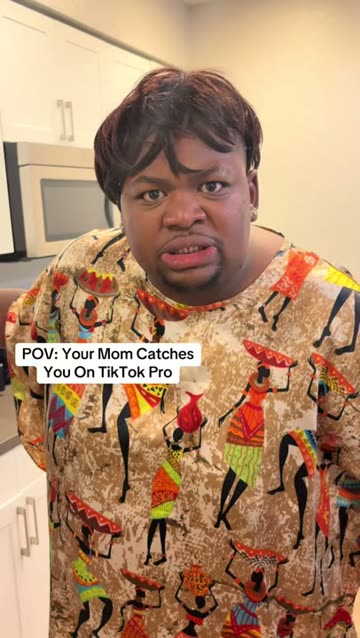
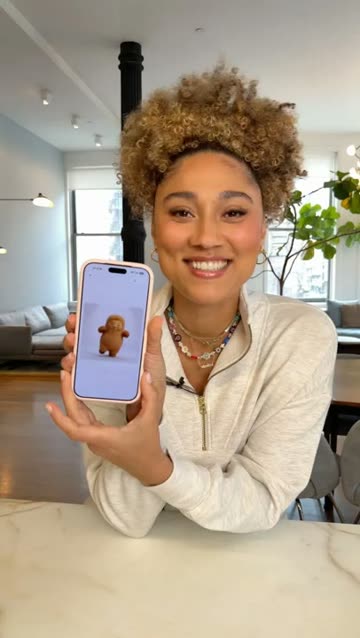
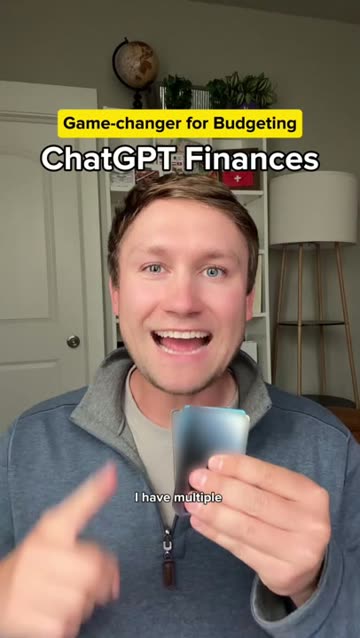
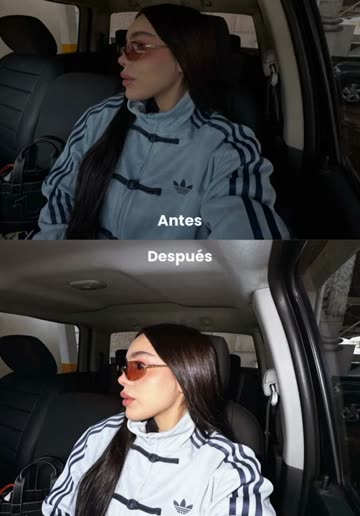
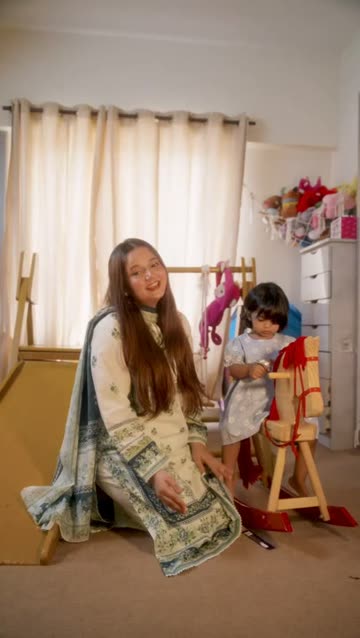
Fayro's home page shows one remake side by side with its original, an Instagram reel. One reel that worked, remade from Fayro's plan. The presenter, the words and the footage are new; the beats, the pacing and the look carry over. Every remake follows the same four steps:
- Find: a reel that already went viral and fits the product.
- Brief: a plan with the reel's beats, hook and look, and new lines for the product.
- Make: a new presenter's takes generated through Fayro, plus the product's screens and sound, put together in Claude.
- Post and measure: the finished video goes back to Fayro to post, and its views are read against the account's usual.
Questions
Do I need Claude?
Fayro's plans are written for an AI assistant to make, and Claude is the one it works best with: Claude Code, Claude Desktop or claude.ai, with Fayro's connector added from Settings in Fayro's app. Claude collects the materials, asks Fayro for anything that needs a video model, edits the video and hands it back to Fayro to post.
Is this copying the reference?
No. What carries over is the reel's structure: the order of its beats, its pacing and its graphic style. The presenter, the words and the footage are all new. Each plan follows one reel from start to end, so its structure and its look stay together.
Do I have to film anything?
No. The presenter is generated: one of Fayro's characters, or one made from your own photo and voice if you agree to it. Fayro leans toward reels that a person and on-screen graphics can carry for that reason. The faceless guide covers formats that need no presenter at all, and the rest of the questions are in the FAQ.
What Fayro doesn't do
- It doesn't promise a video will go viral. It starts you from formats that already did, which is a better bet than a blank page.
- It measures views. It doesn't track installs or sign-ups.
- It never posts on its own. Every post needs your press of Post or a schedule you set.
Questions about pricing are on the pricing page. If you want to learn the craft first, start with the guide to marketing an app on TikTok. If you're weighing Fayro against hiring creators or an AI avatar tool, see the UGC alternative comparison.